
GS RichCopy 360 Enterprise

Descarcă GS RichCopy 360 Enterprise – Sincronizare, replicare

0.0
Descărcare indisponibilă
Screenshot 1 Screenshot 2 Screenshot 3

Detalii aplicație

Versiune
varies-with-device
Actualizat
March 29, 2017
Necesită
Windows 10
Limbă
English
Licență
Full
Dezvoltator
GuruSquad
Categorie
Windows OS

Descriere

Effective and Professional Enterprise Replication Software for Business Use GS RichCopy 360 Enterprise has been designed around the concept that enterprise-level firms require automated applications alongside superior levels of end-user support. It is also intended to address the issue of redundancy thanks to robust cloud storage solutions. These features are then combined with superior levels of encryption, so security concerns can be addressed without sacrificing efficiency.

Basic Tools and Functions GS RichCopy 360 Enterprise offers the user a number of standard instruments. Byte-level replication (only replicating the changes within a file) will reduce the time required to complete a task. Files can be synchronized with one another in a real-time scenario.

Data can be copied to a separate WAN or directly into the cloud depending upon the needs of the business. 128/256 AES encryption ensures that all sensitive information will remain secure. As GS RichCopy 360 Enterprise will dynamically select the number of bytes to be transmitted at any give time, it is a very bandwidth-friendly system.

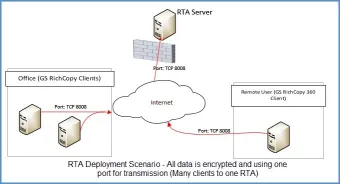
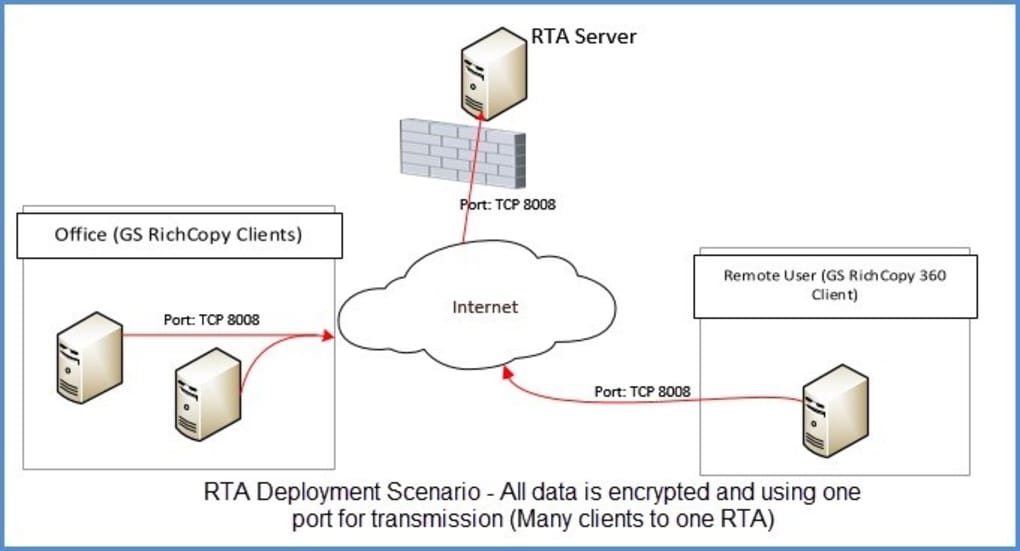
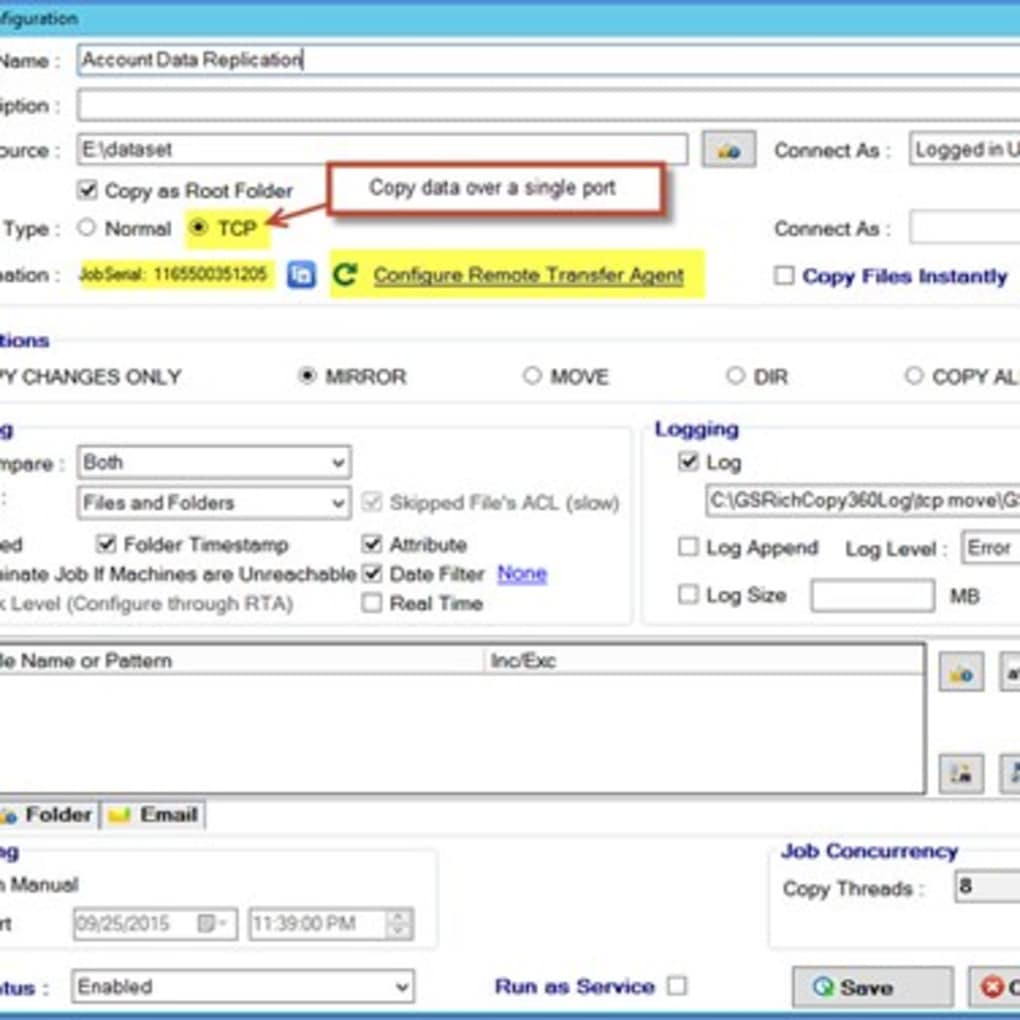
Other Accessories This software functions through the use of a single port (the user can change the number manually if required), so remote transmissions will not be a concern. In essence, this software is an ideal solution for businesses searching for a streamlined means to copy and protect their data.


Scanat cu TotalVirus

Acest software a fost scanat pentru malware și verificat ca sigur pentru descărcare.

SoftPas în:

Produsul este disponibil și în următoarele limbi:

Ghiduri și tutoriale pentru GS RichCopy 360 Enterprise

Cum se instalează GS RichCopy 360 Enterprise
  1. Apasă butonul Previzualizare / Descărcare de mai sus.
  2. După redirecționare, acceptă termenii și apasă Instalare.
  3. Așteaptă finalizarea descărcării GS RichCopy 360 Enterprise pe dispozitivul tău.
Cum se folosește GS RichCopy 360 Enterprise

Acest software este folosit în principal pentru funcțiile descrise mai sus. Deschide aplicația după instalare pentru a-i explora capacitățile.

Recenzii utilizatori pentru GS RichCopy 360 Enterprise 0

    Nu s-au găsit recenzii

Aplicații similare

Aplicații recomandate

Zoom Magnifier

Zoom Magnifier

Windows OS

Descarcă aplicații
Zattoo Live TV

Zattoo Live TV

Windows OS

Descarcă aplicații
ZScreen

ZScreen

Windows OS

Descarcă aplicații
ZD Soft Screen Recorder

ZD Soft Screen Recorder

Windows OS

Descarcă aplicații
YouRecorder

YouRecorder

Windows OS

Descarcă aplicații





